Remembers everything
Your project decisions, constraints, and progress are saved locally. Next session, the agent picks up where it left off — no re-explaining needed.
aios init
AIOS is a local-first Graph Engine for coding agents. It composes cross-session project memory, adaptive routing, multi-agent collaboration, and verification into a verifiable graph on top of codex, claude, gemini, opencode, hermes, and grok — without changing how you work.
curl -fsSL https://github.com/rexleimo/aios/releases/latest/download/aios-install.sh | bash
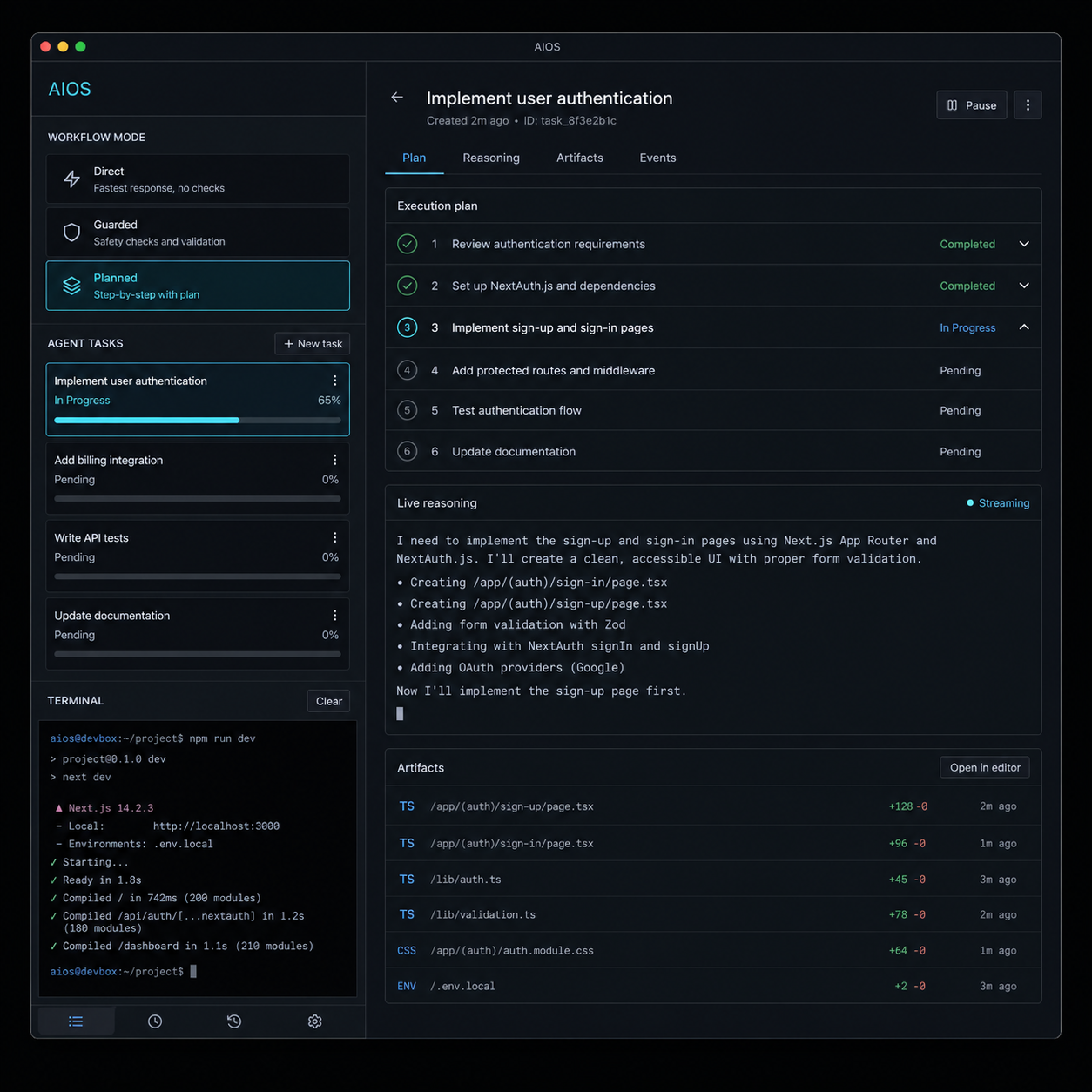
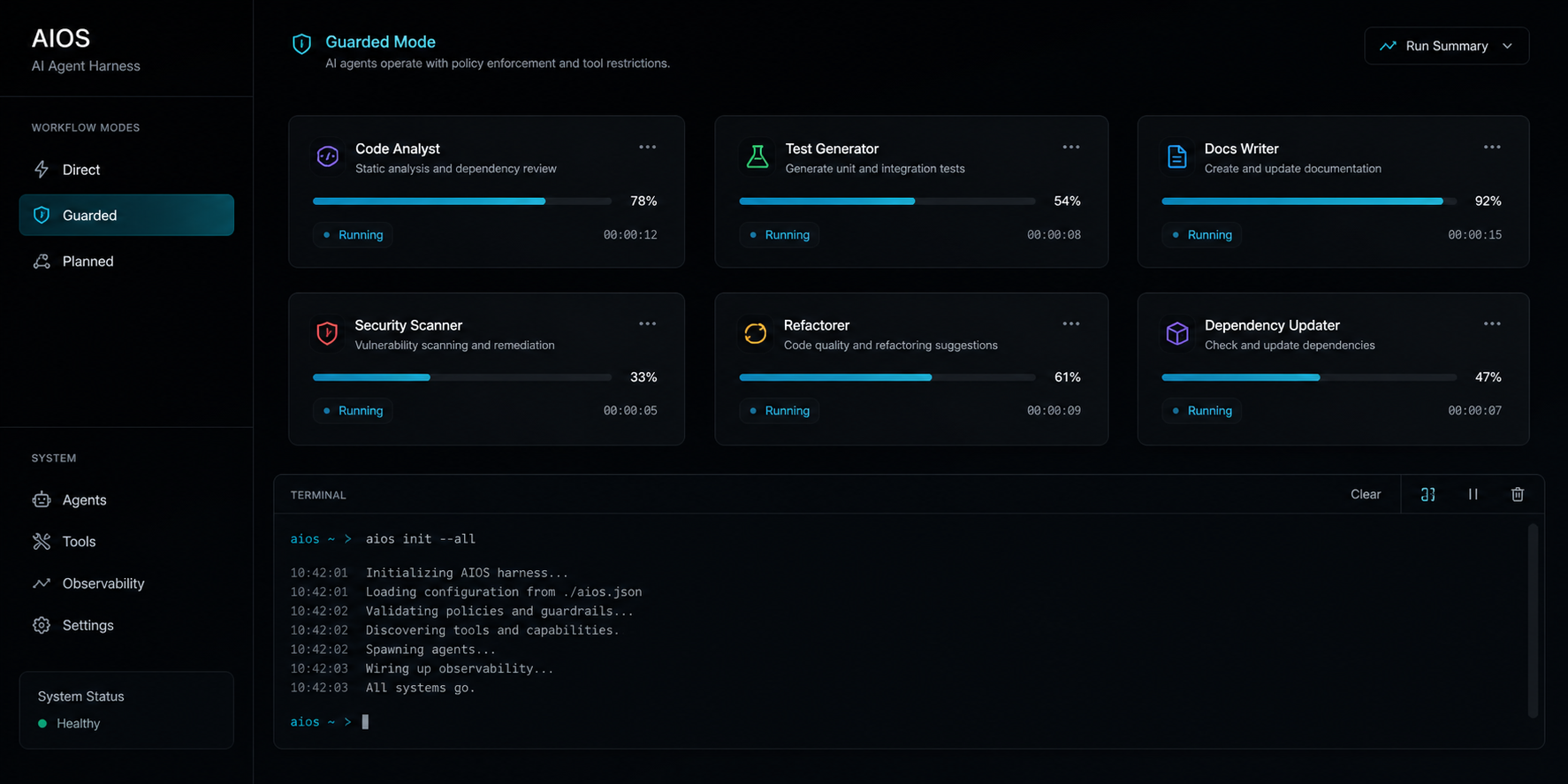
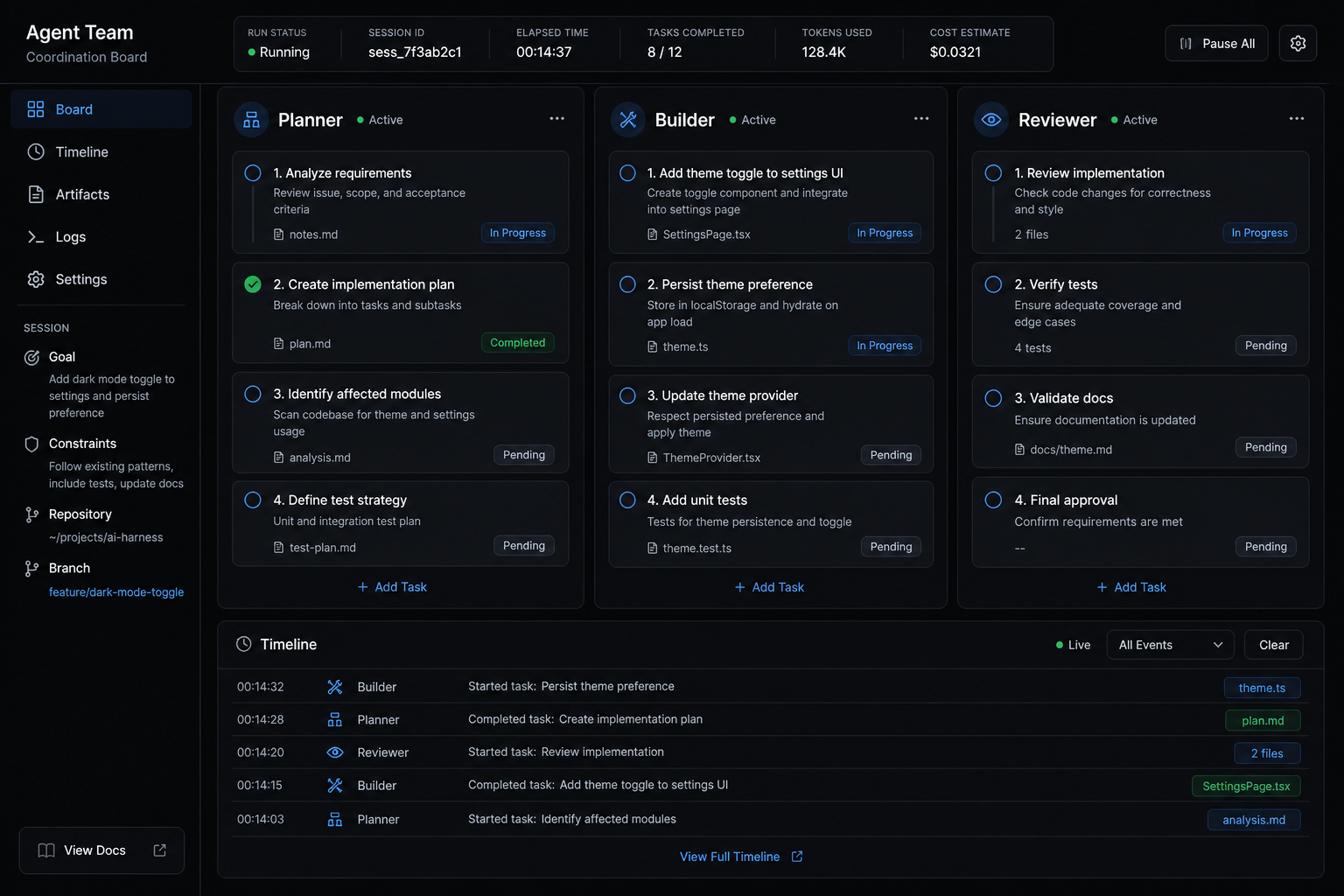
One sentence from you, and AIOS splits the work across multiple agents automatically. Independent tasks run in parallel, coupled changes stay in order — you just wait for the result.
See how it worksAIOS runs self-diagnostics, safety gates, and verification loops on every change — so you see a working result, not a broken draft. Your code and data never leave your machine.
See how verification works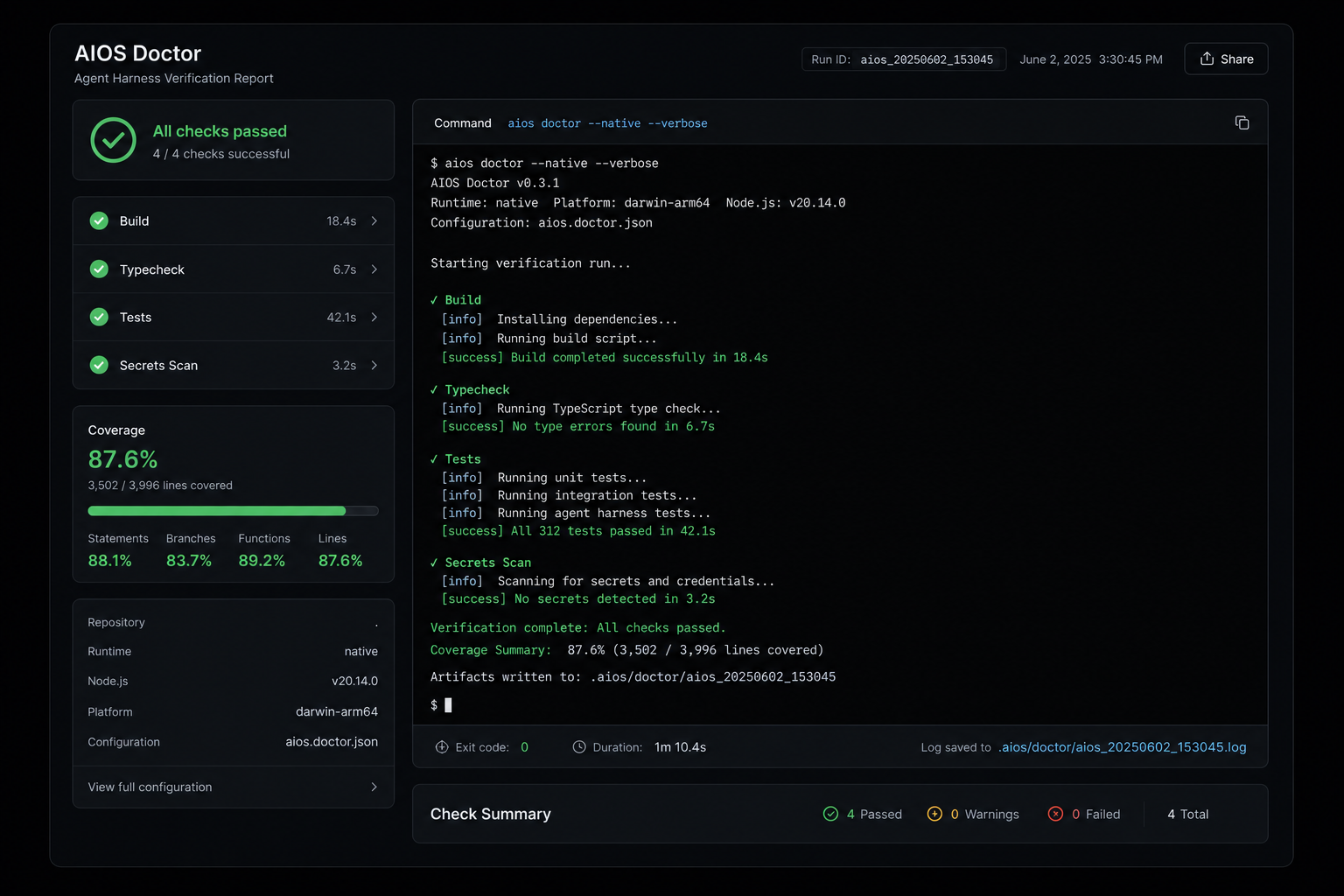
Memory, routing, collaboration, and safety — all working behind the scenes.
Your project decisions, constraints, and progress are saved locally. Next session, the agent picks up where it left off — no re-explaining needed.
aios init
AIOS automatically chooses the simplest path for your task — quick answer, careful edit, or full plan — so you don't have to think about process.
aios work
When your task has independent parts, AIOS runs them in parallel with multiple agents — you just say what you want once.
aios team
Safety gates and verification loops run on every change. You get a working result, not a broken draft that needs fixing.
aios verify
Install, initialize in your project, and start telling your agent what to do.
aios init --all
aios doctor --native --verbose
Compose loop toolkit and graph nodes into a verifiable agent graph, with no data leaving your machine.
When independent work items can run in parallel — and when they must not.
Classify work before choosing process controls — noop, direct, guarded, planned.
One sentence is all it takes. Install AIOS and let your agent do the rest.